

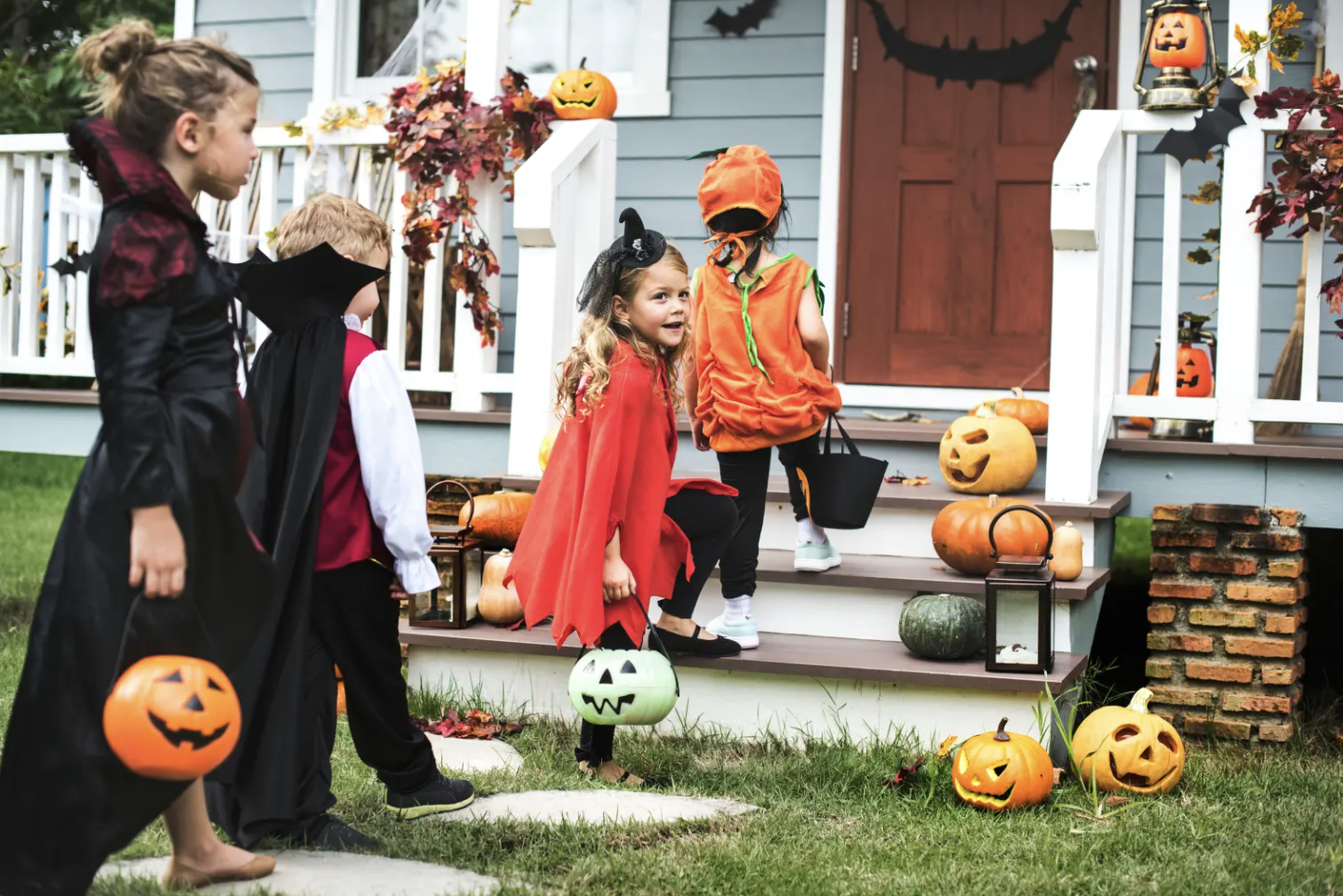
Remember when trick-or-treating meant waving goodbye to the kids at the end of the driveway and hoping they’d be home before the porch lights went out? Well, we have a few more tools at our fingertips today — including GPS-enabled watches and location-sharing apps that offer reassurance when little ghosts and goblins head out into the neighborhood. Because a little peace of mind can go a long way.
As Middle Tennessee families prepare for Halloween this Saturday, Oct. 31, technology offers more ways than ever to keep tabs on kids while giving older tweeners room to enjoy fun with friends. The trick is finding a balance between keeping kids safe and allowing them to grow more independent.
A Little Freedom Plus a Safety Net
You don’t necessarily have to give your child a smartphone to know where they are. Several companies offer kid-friendly smartwatches that let children call or message approved contacts while allowing parents to check their location.
Verizon’s Gizmo Watch 4 lets you monitor your child’s location, establish virtual boundaries and receive alerts if the watch is removed. Apple’s Apple Watch for Your Kids feature allows parents to check a child’s location through the Find My app and receive notifications when kids arrive at or leave designated places. Both options let children communicate with approved contacts without requiring them to own a smartphone.
Another option is the TickTalk 6, designed for children ages 3 to 12. The smartwatch offers GPS tracking, calling, messaging and an emergency SOS feature without giving kids access to social media or the open internet. Moms and dads can review recent routes through its companion app.
When You Want to Know More Than Where They Are
Location-sharing apps can provide another layer of reassurance. Life360, for example, offers a “Safety Incidents” feature that alerts users to certain reported incidents within a mile of a family member’s location. The alerts identify the type, time and location of a reported event, allowing parents to learn more about incidents in the surrounding area. An alert simply provides information about something reported nearby; it doesn’t mean your child is in danger. As with any technology, the information has limitations.
Life360 reported that more than 100,000 new family location-sharing groups, called Life360Circles, were created on Halloween last year. Clearly, plenty of families appreciate having an extra way to stay connected on one of the year’s busiest nights for neighborhood wandering.
Technology Works Best With a Plan
Of course, there’s no replacement for a good old-fashioned conversation with your kids before the candy collecting begins.
Five Minutes of Planning for a Happier Halloween
Before the excitement of costumes going on happens, take a few minutes to make a plan.
- Agree on the route. Know where your child plans to go and which streets are off-limits.
- Set a check-in time. Decide when you’ll expect a text, call or location update — and when they’ll be home.
- Charge those devices. A tracking watch or phone is only helpful if the battery is working.
- Stick together. Remind kids to stay with their group, use sidewalks and cross streets carefully. Younger children need a trusted adult alongside them.
- Have a backup plan. Make sure your child knows whom to call and where to go if friends get separated, plans change or something doesn’t feel right.
While location-sharing technology can be reassuring, it isn’t a substitute for supervision or sound judgment. Choose the level of independence that fits your child’s age and maturity, and enjoy the night!